Beta: BaseIT! is free to use and runs entirely in your browser. It is still being refined, so please export your library now and then to keep a copy of your designs.
BaseIT! designs laser-cut baseboard kits. Tell it the size of board you want and it works out every panel: the sides, ends and top, the strengthening ribs, the finger joints that lock them together, and the holes for bolts and wiring. Then it lays the parts out on your sheet material and exports cutting files for your laser cutter, or to send to a commercial service. Note: I do not provide a laser cutting service.
It’s the third of my layout tools, alongside PlanIT! for the track plan and TrackIT! for the trackwork.
Design a board
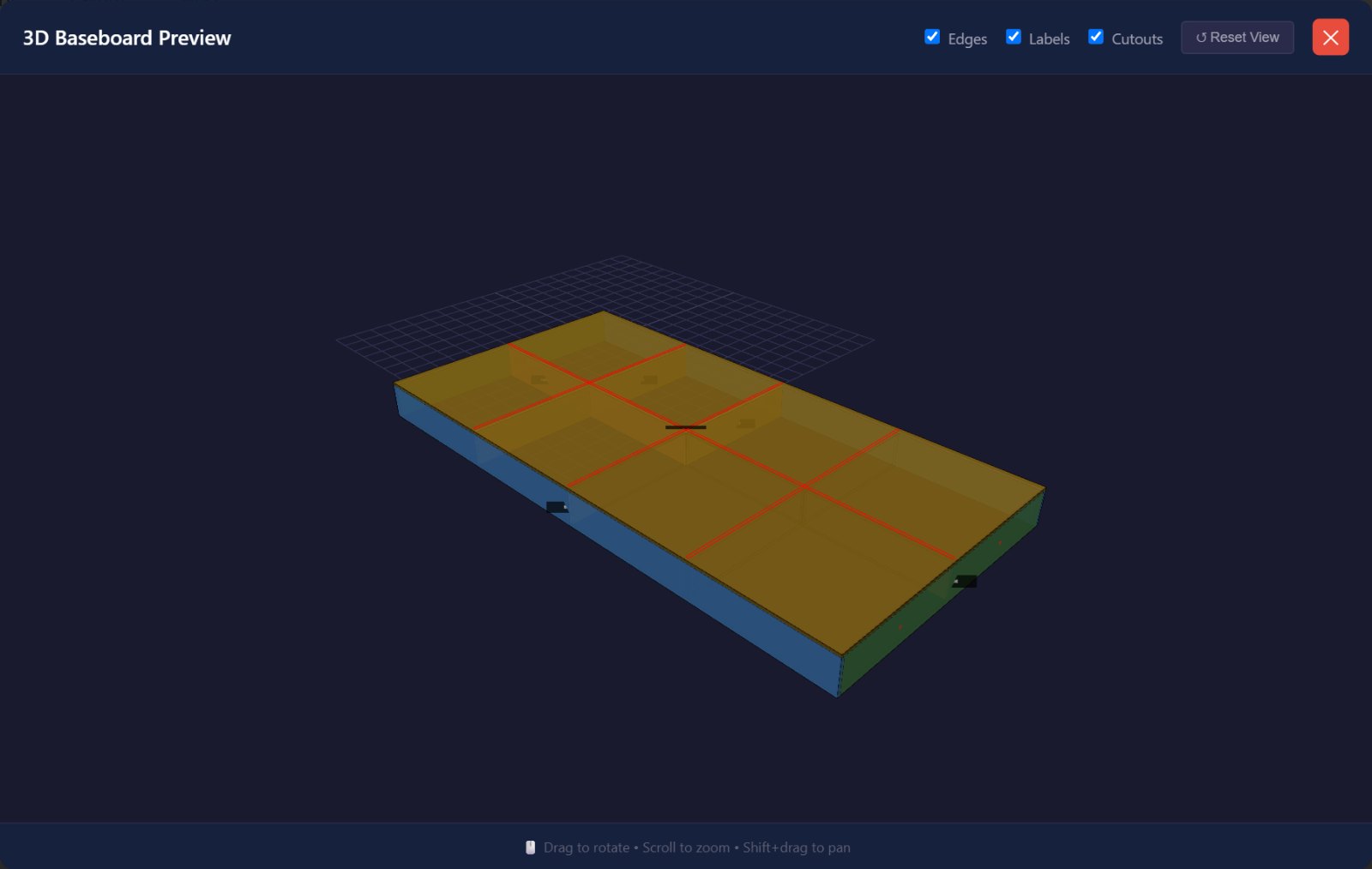
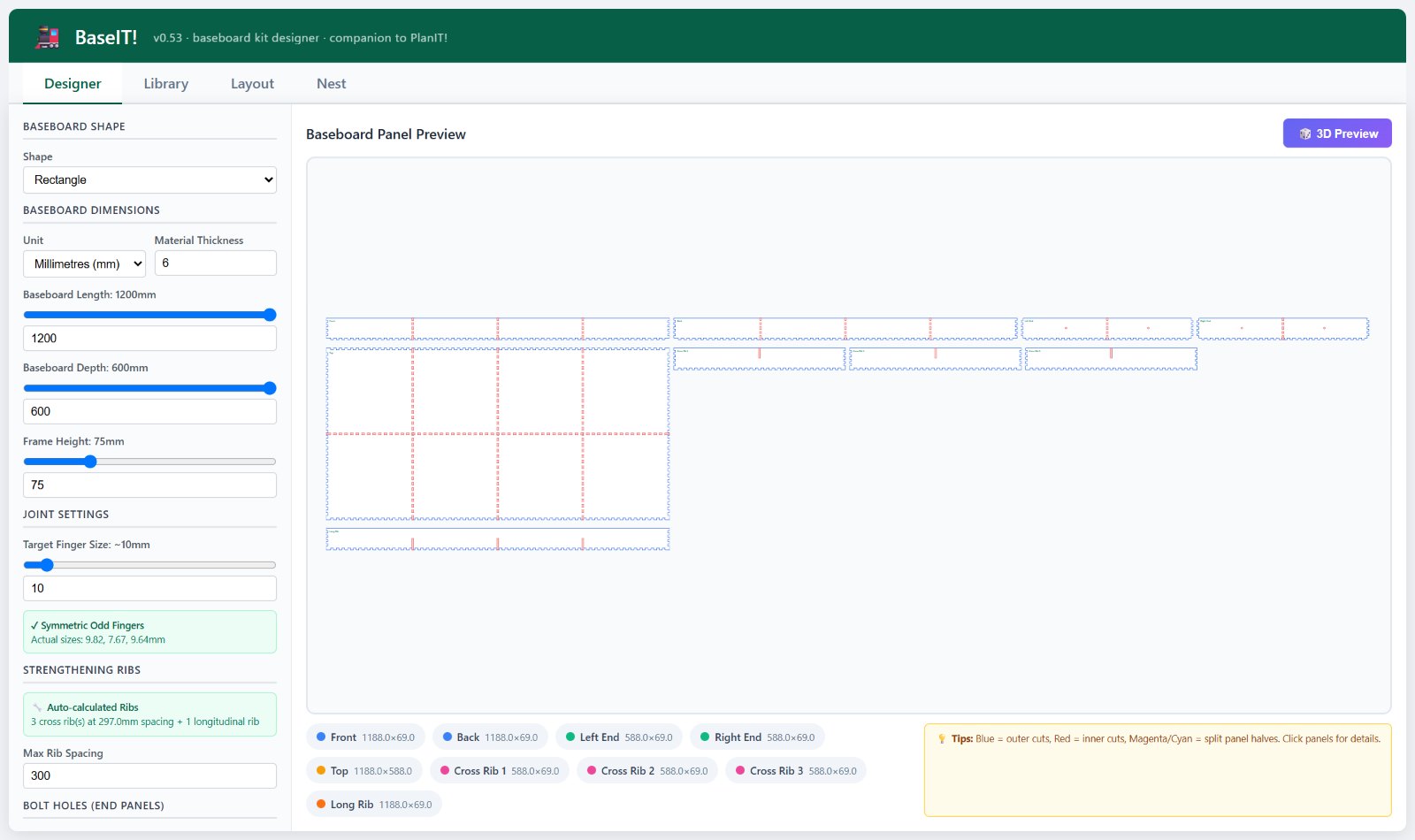
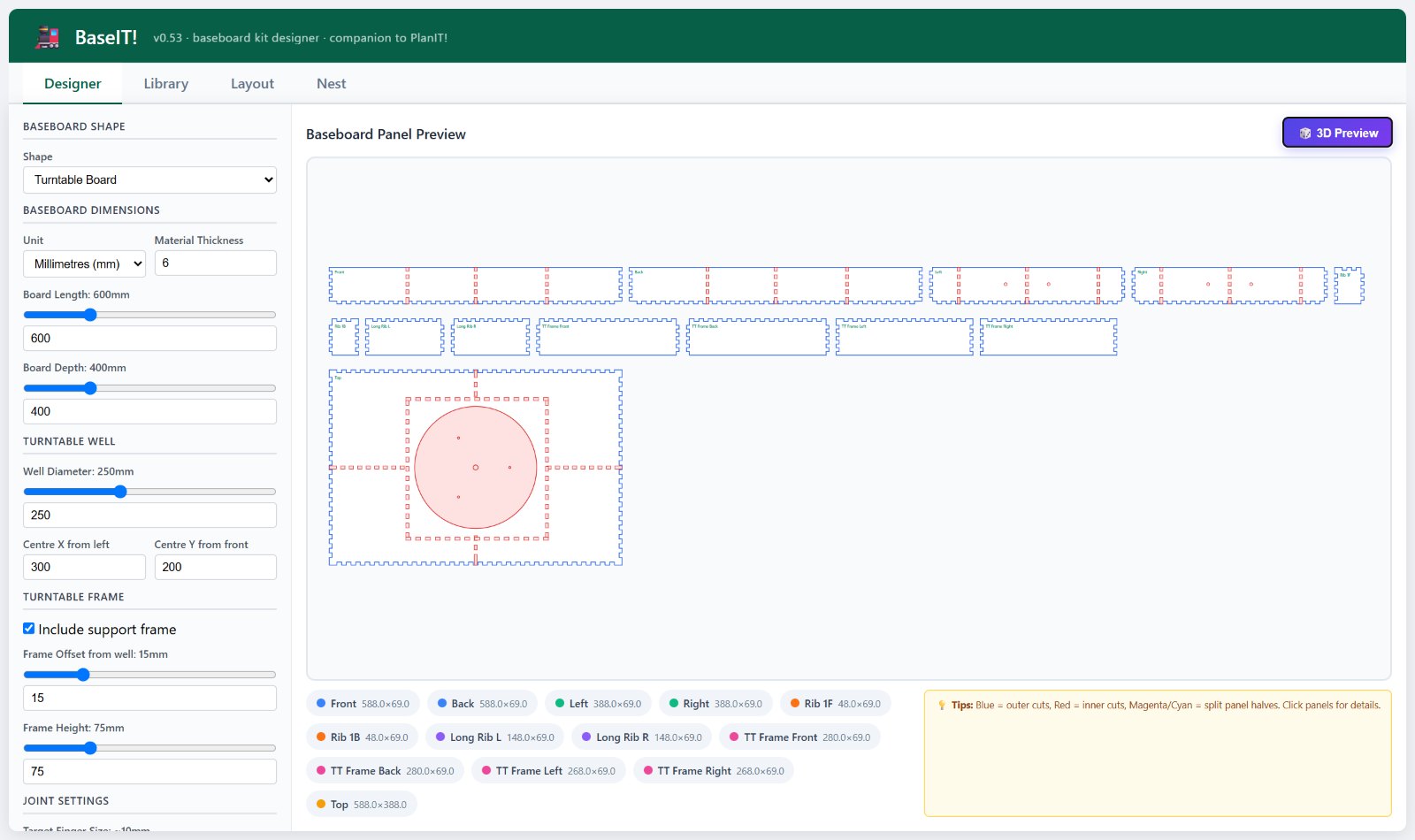
Choose a rectangular board, a 90° corner board or a board with a turntable well, then set its size, depth and material thickness. BaseIT! works out the rest:
- Finger joints sized to suit your material, so the parts slot together square.
- Strengthening ribs, spaced automatically to keep the top flat.
- Bolt holes in the end panels for joining boards together, and wiring holes through the ribs.
- Split panels, when a part is bigger than your laser cutter’s bed.
Plan the room
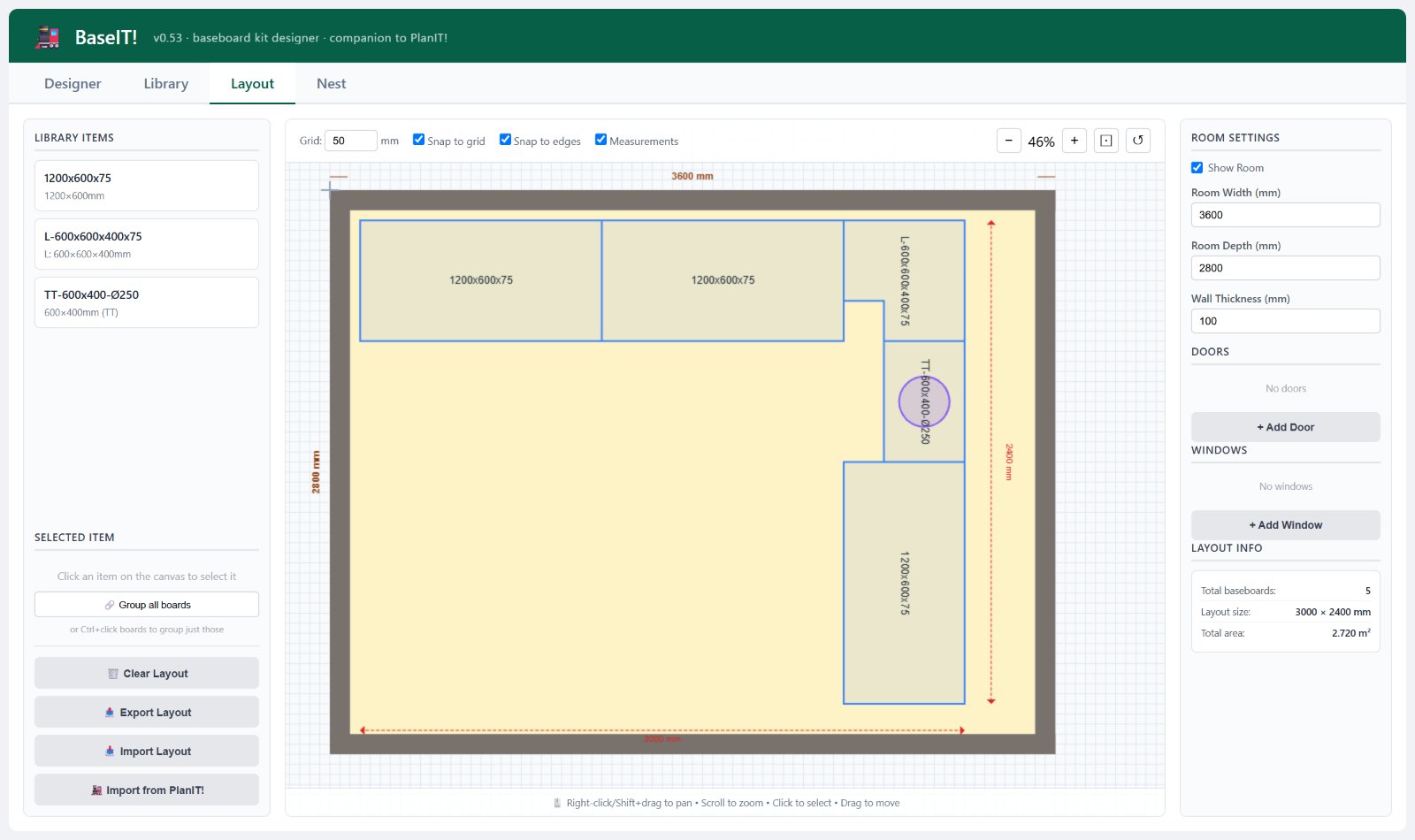
Save your boards to the library, then arrange them in a plan of your room, with its walls, doors and windows. Boards snap edge to edge, and you can group them to move a whole run at once. Once PlanIT! is released, you’ll be able to bring its baseboard plan straight in.
Cut it out
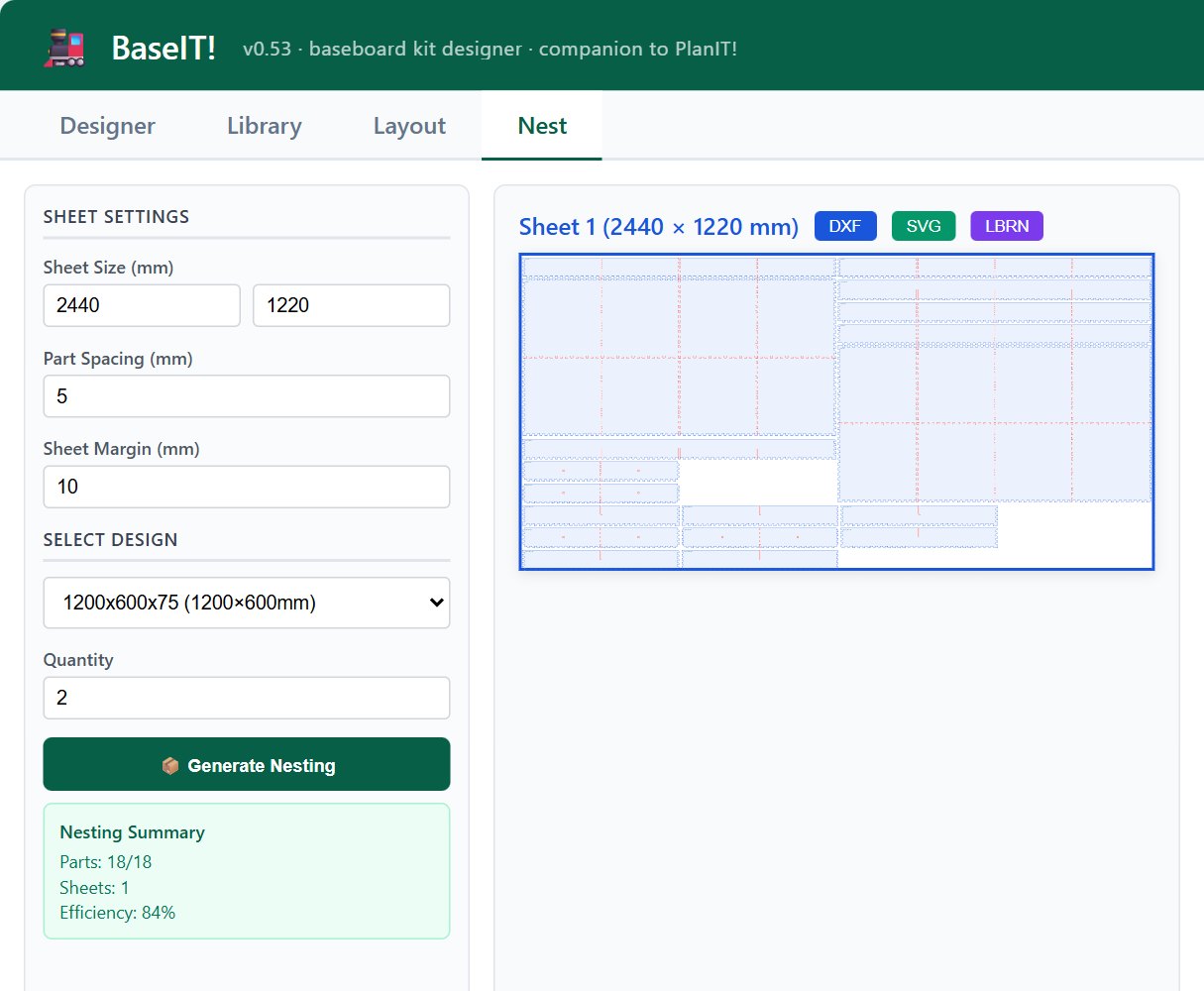
Tell BaseIT! your sheet size and how many boards you need, and it nests the parts onto as few sheets as it can. Export each sheet as DXF, SVG or a LightBurn file, ready for your laser cutter.
Your designs and layouts are kept in your own browser, and nothing is sent to me. Use the library’s export button to save a copy to your computer. If you try BaseIT! on your own boards, I’d love to hear how you get on: get in touch.