Walk along almost any main line in Britain today and the pointwork you see is flat-bottom rail on big timber or concrete bearers: long, gently curved turnouts with cast baseplates and clip fastenings, built to the BS113A “vertical” standard. It has been standard on Britain’s main lines since the late 1960s, yet for anyone modelling the modern image it has always been the hardest thing to buy. Most ready-made points are still based on older bullhead practice, or on a generic pattern that doesn’t match any real turnout.
TrackIT! is my answer to that gap. It generates faithful models of BS113A vertical switches and crossings from the railway’s own design drawings and data sheets, and turns them into parts you can 3D print and laser cut. This page shows what it can do today.
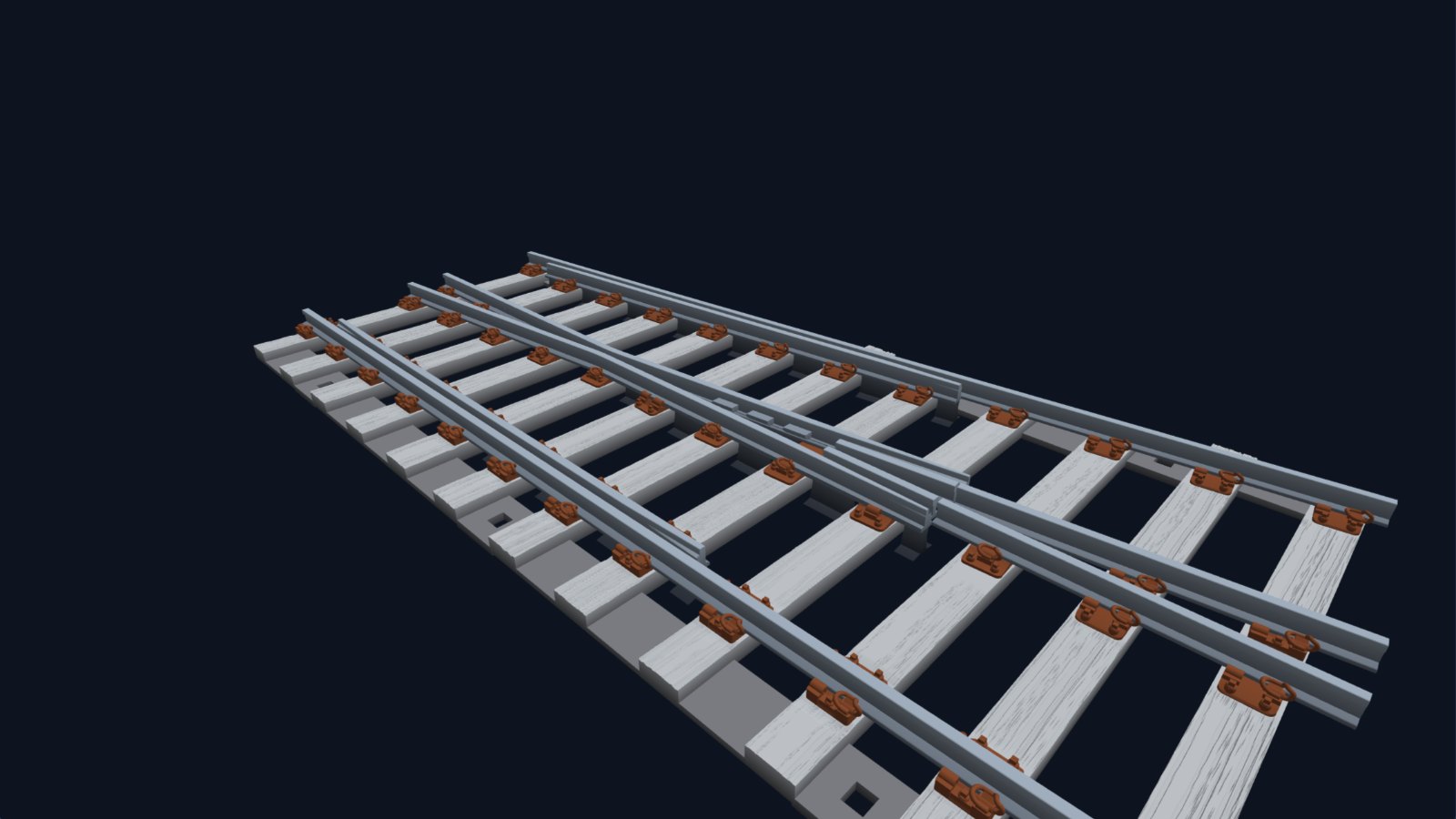
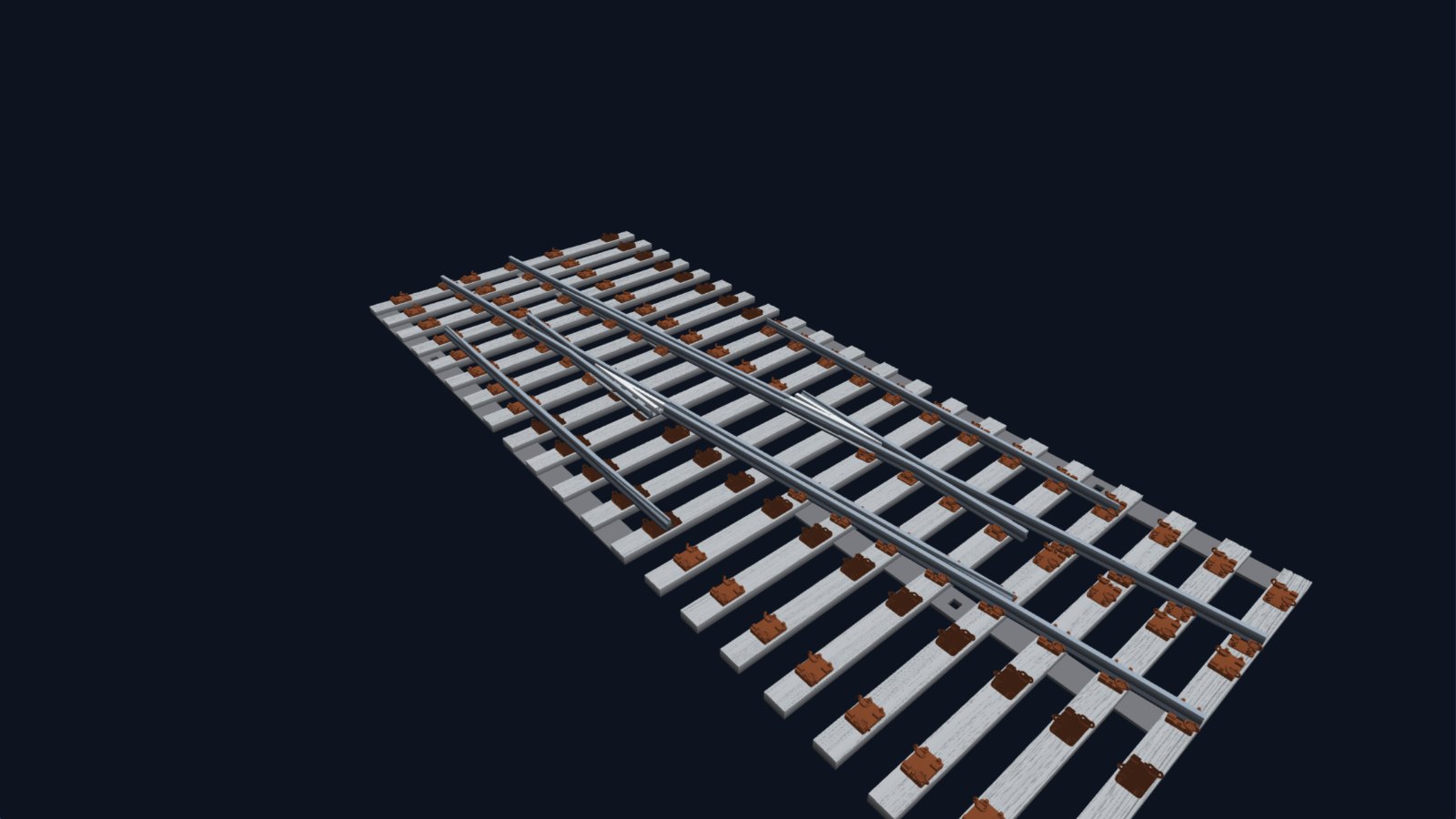
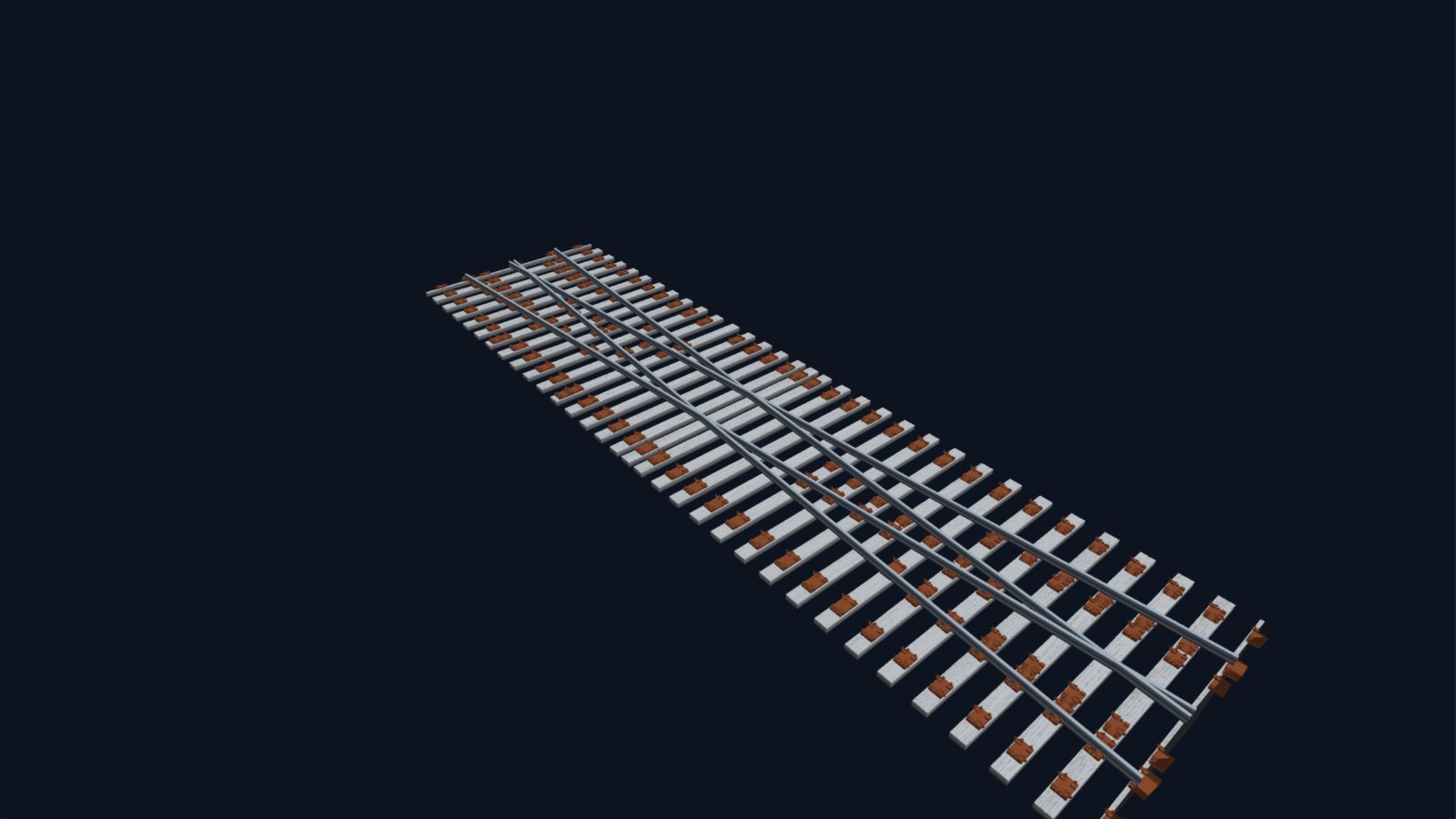
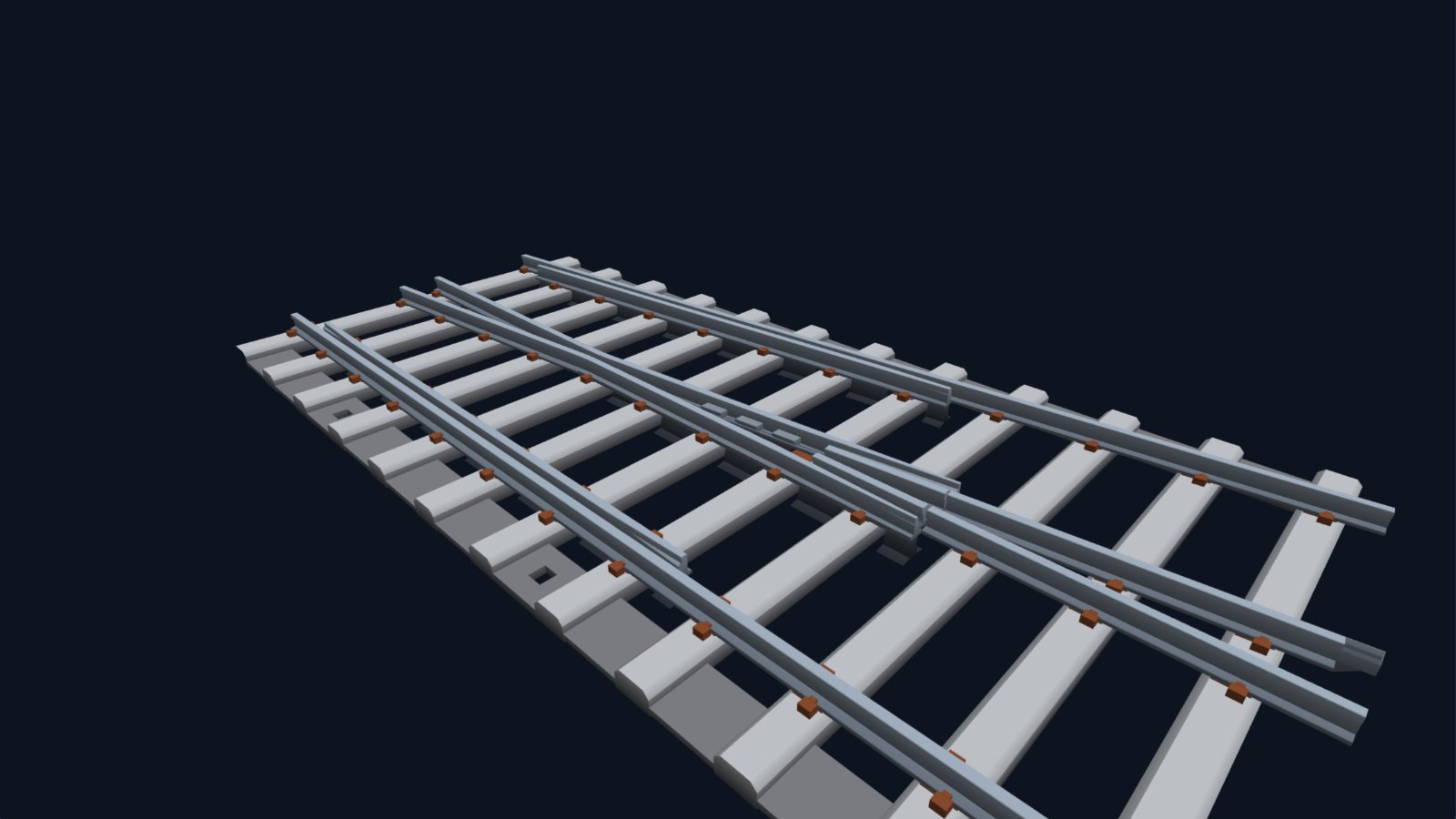
A CV 1:9.25 turnout from TrackIT! to turn and zoom. It has been simplified for web viewing, so it is only indicative of the file TrackIT! produces.
Designed from the real drawings
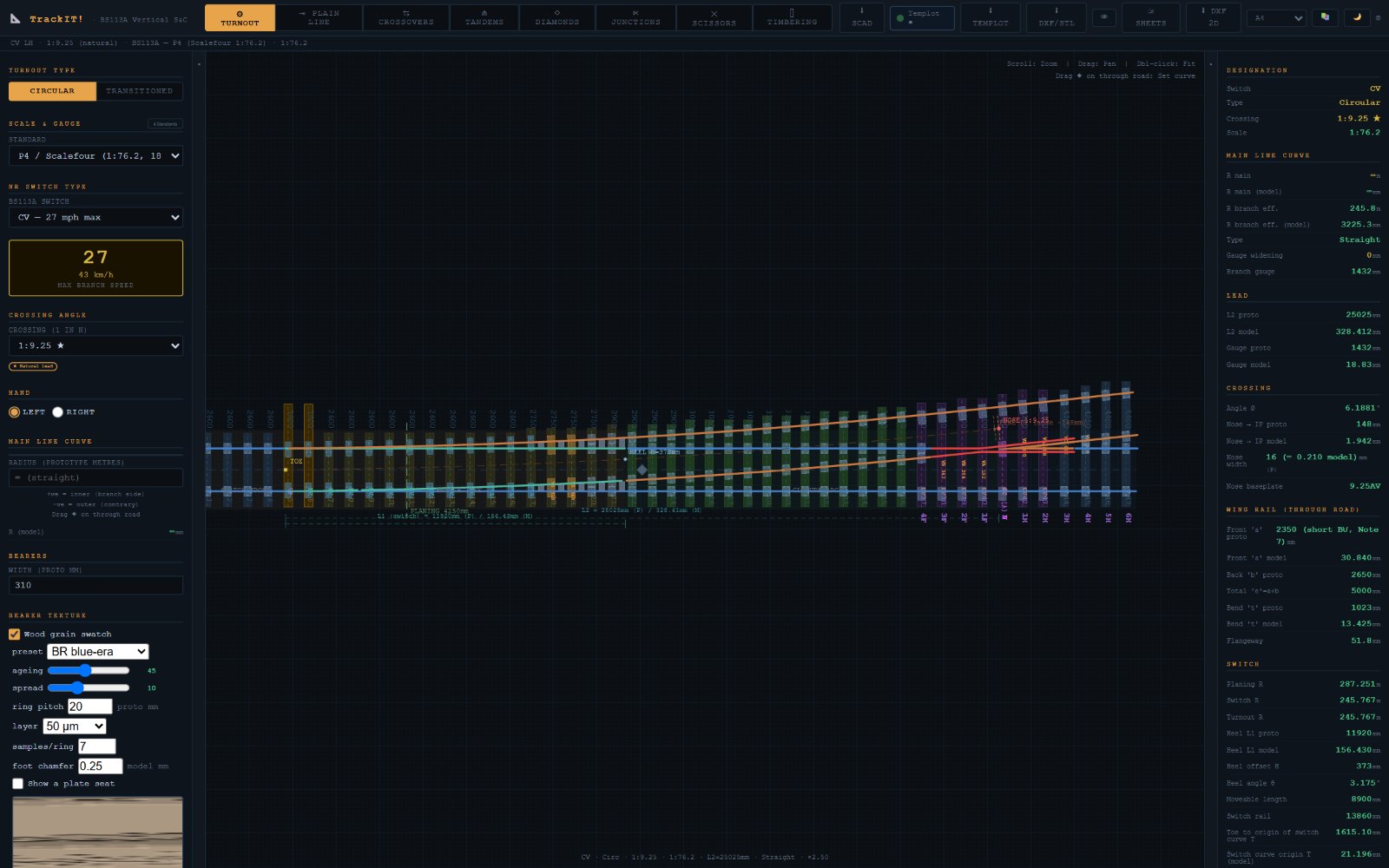
Every turnout TrackIT! draws is built from the prototype geometry: the switch type, the crossing angle, the switch radius, the lead, and where every bearer and baseplate goes. Choose a switch from AV through to HV, and TrackIT! offers the crossing angles that go with it, marking the natural lead with a star. There are 43 circular and 17 transitioned combinations, from 1 in 6 up to 1 in 32.365, in either hand, straight or with the main line curved.
Much more than plain turnouts
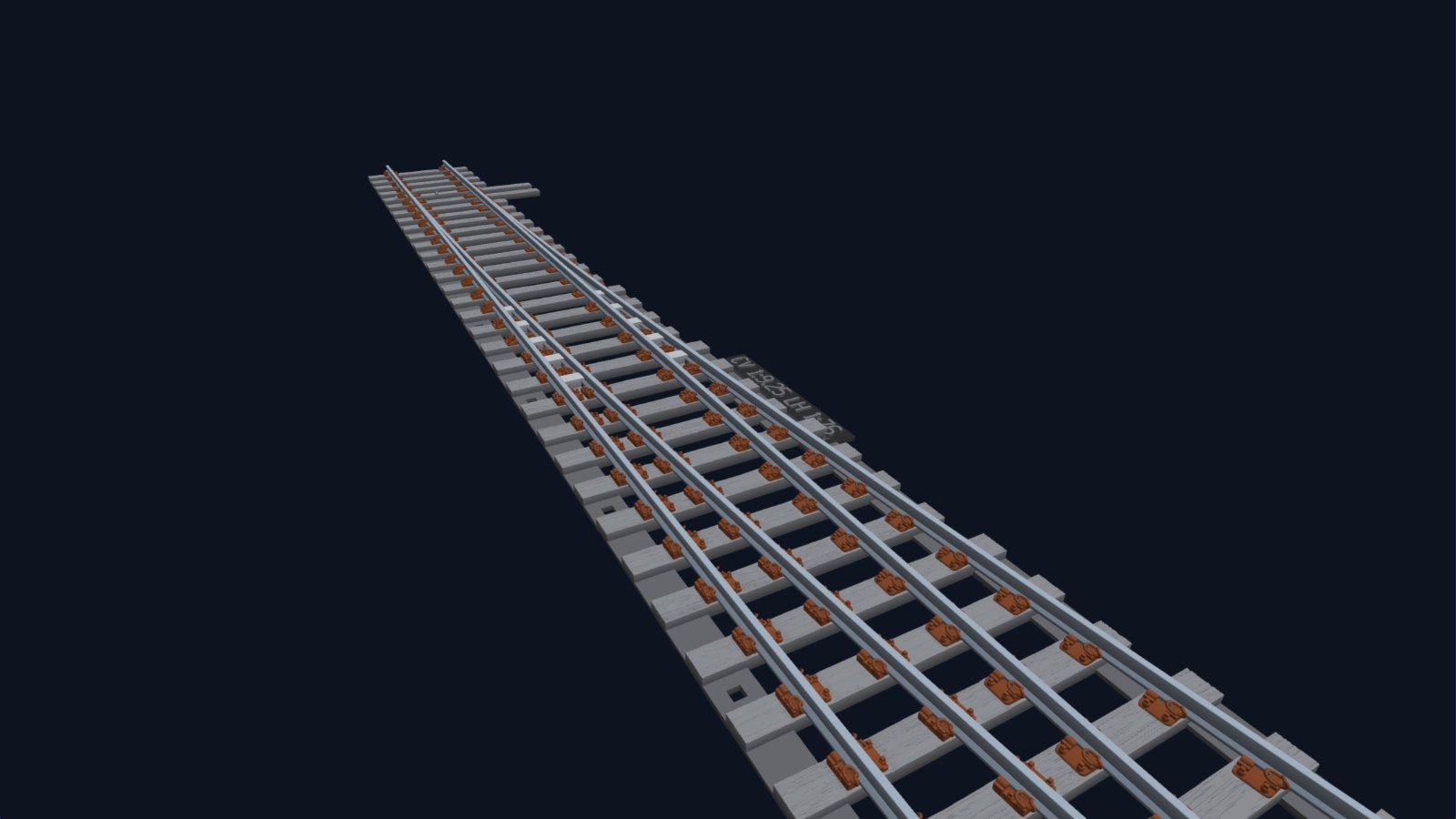
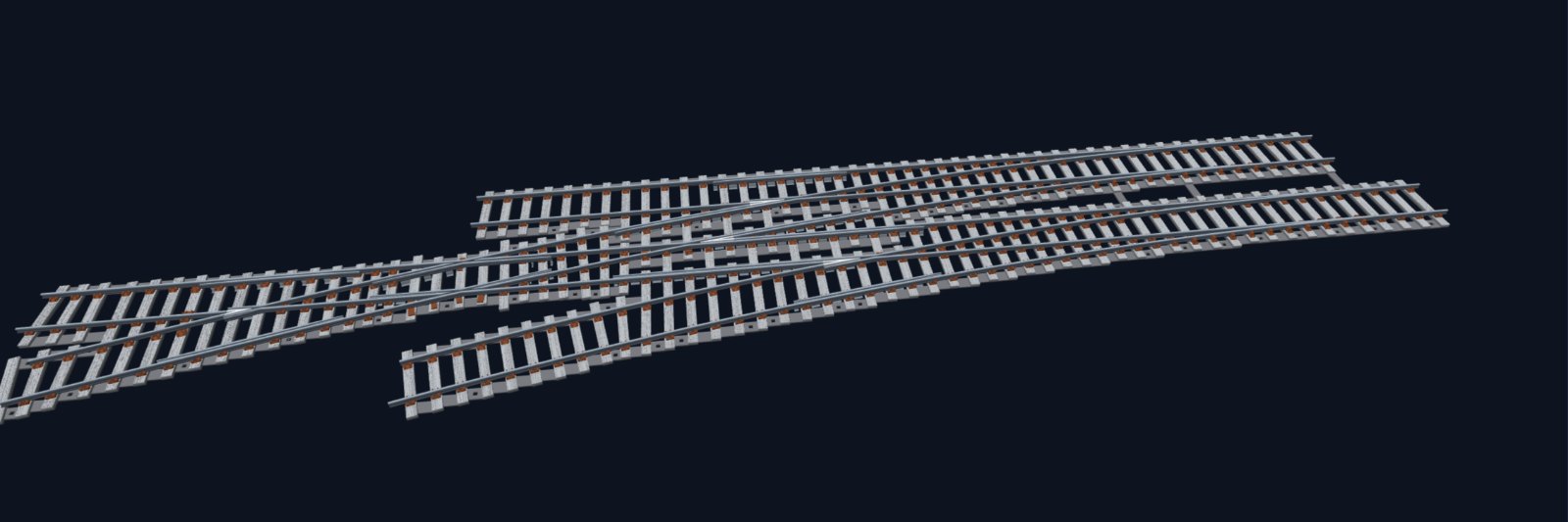
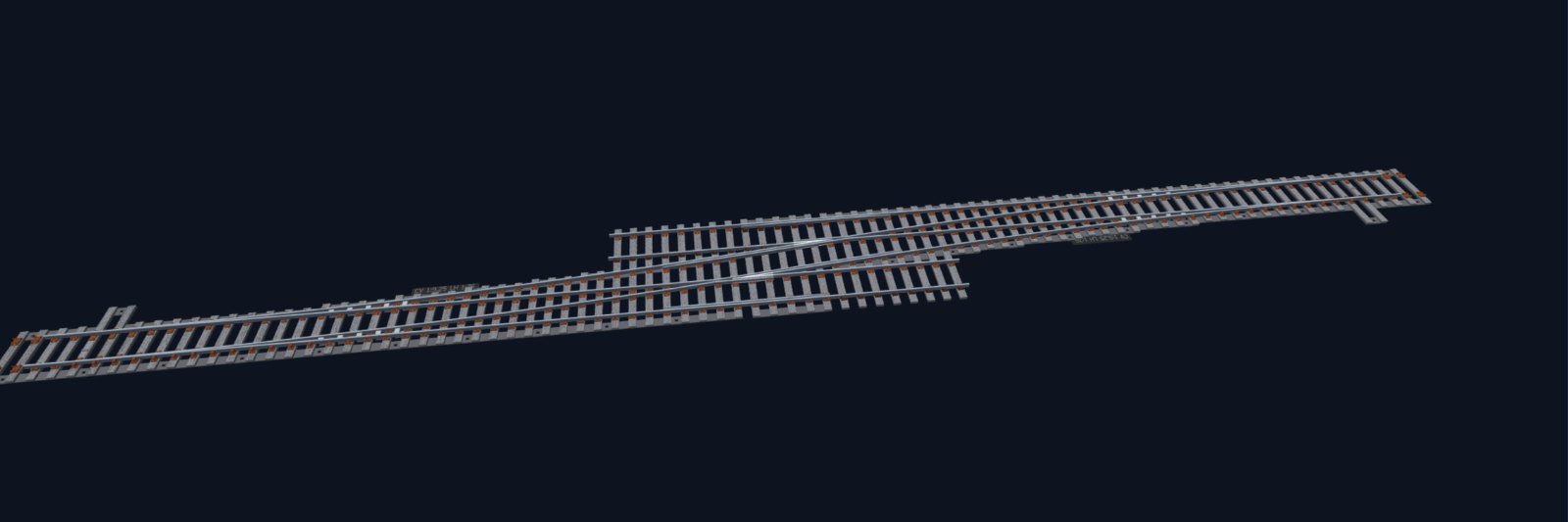
Real track layouts are made of combinations, and TrackIT! has a tab for each of the main ones:
- Crossovers: ten natural crossovers from AV to HV, with the long timbers that span both tracks.
- Tandem turnouts: all fourteen standard combinations, with their three crossings.
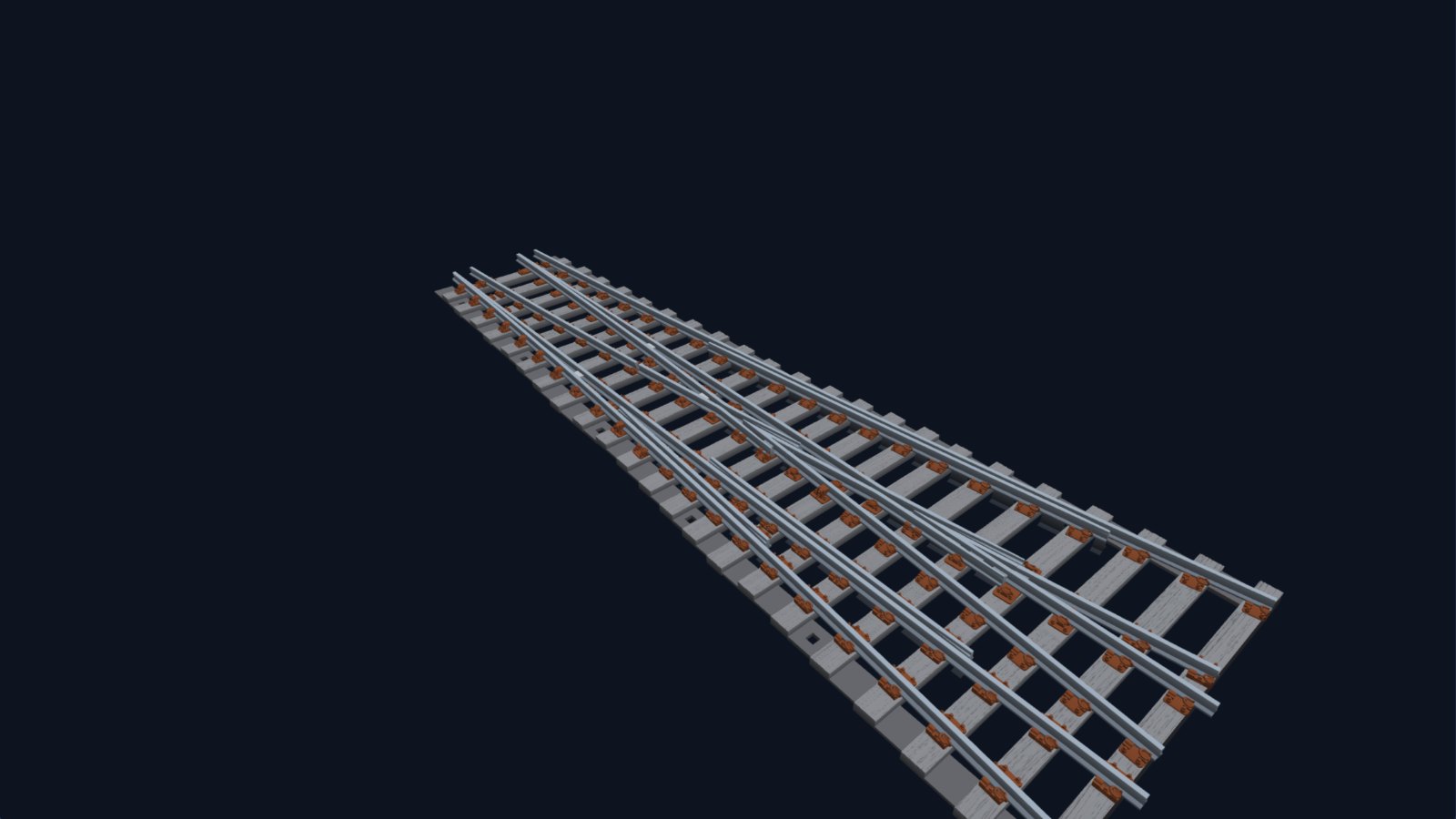
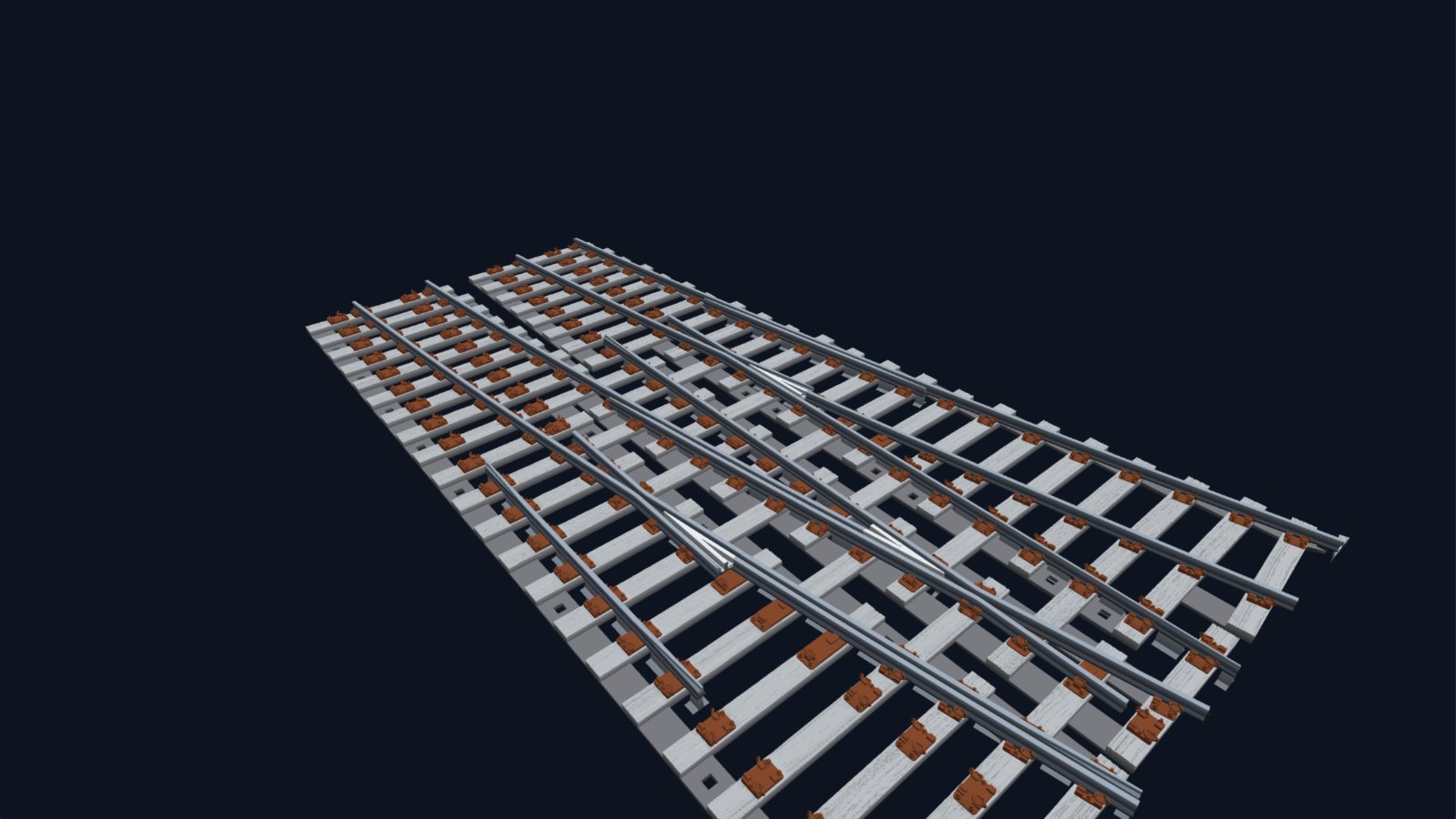
- Diamonds and slips: plain diamonds and single and double slips from 1 in 4.75 to 1 in 8, with fixed or switch diamonds.
- Double junctions: sixteen combinations, including the diamond crossing in the middle.
- Scissors crossovers, and plain line on a choice of sleeper types, with optional third-rail pots.
The details that make it look right
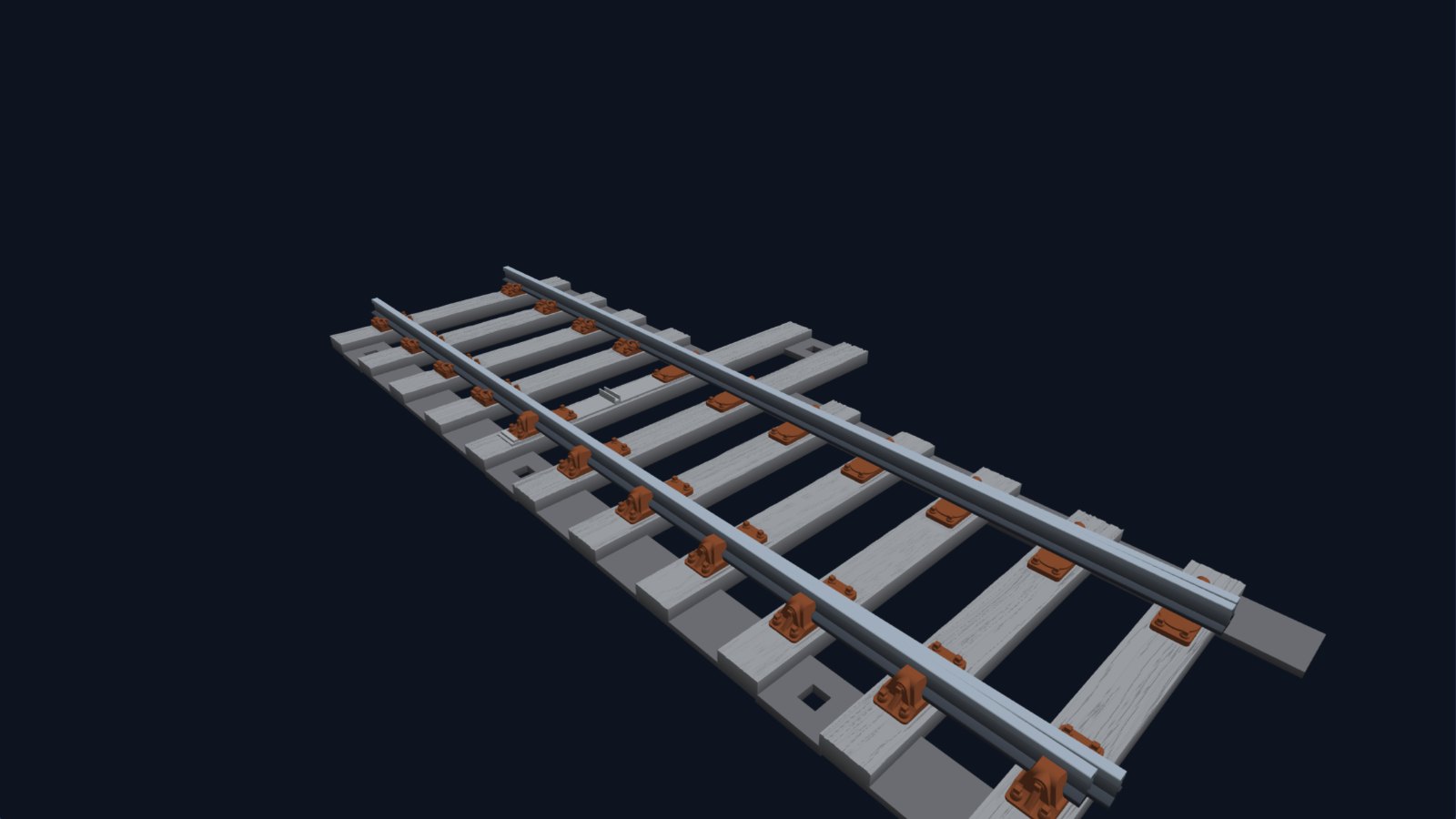
Flat-bottom pointwork gets its character from its fittings, so TrackIT! models them properly:
- Baseplates: more than eighty prototype types, each placed on the bearer where the drawings put it.
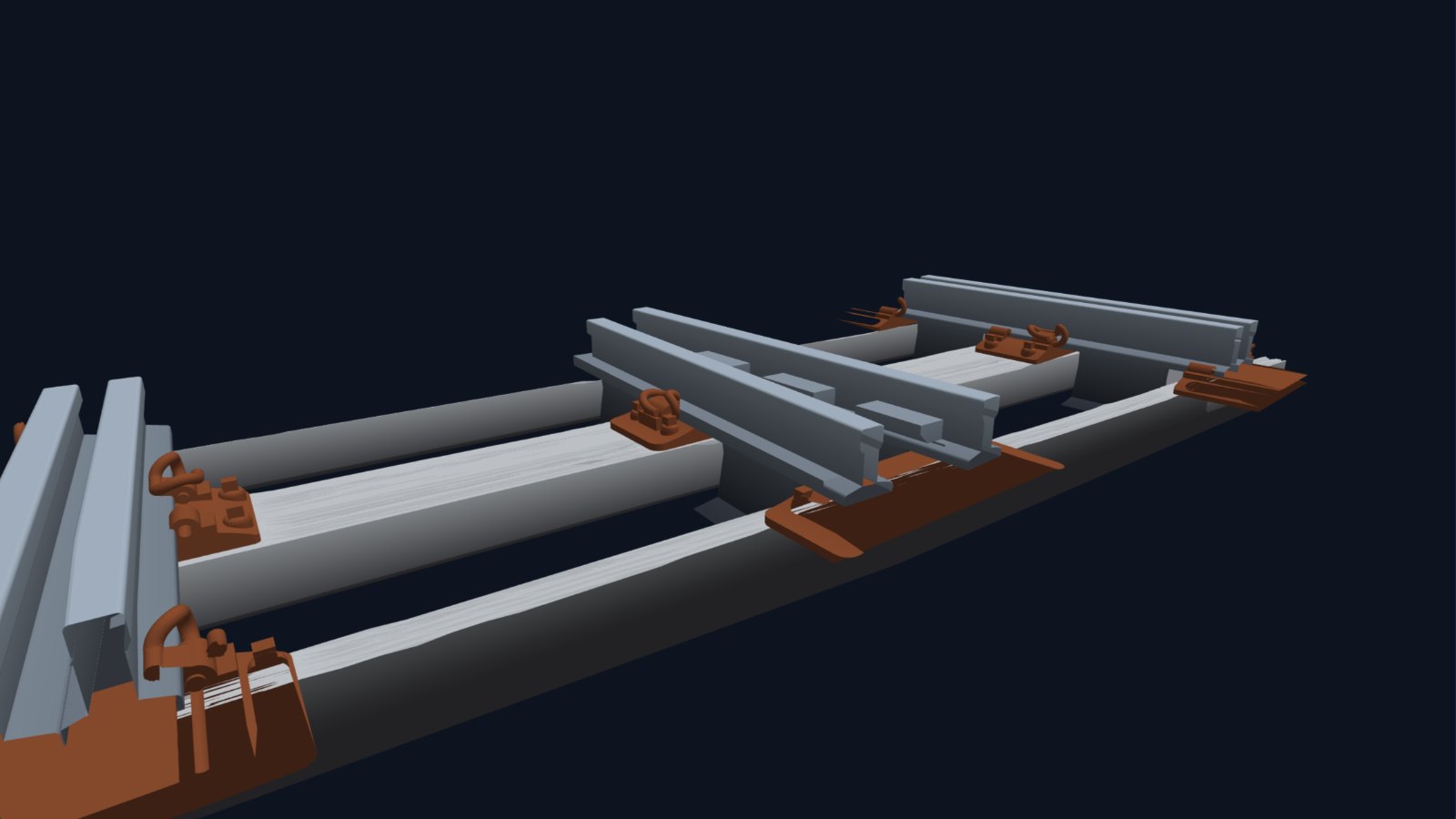
- Motor bearers: the extended bearers at the switch toe that carry the point machine, projecting to whichever side you choose. An optional point-drive web gives a ballastable floor with a slot for the operating wire.
- The crossing: wing rails, check rails, distance blocks, and a choice of crossing styles. By default a slot is left for a metal vee filed from real rail, and printable filing jigs help you shape the vee and the switch blades.
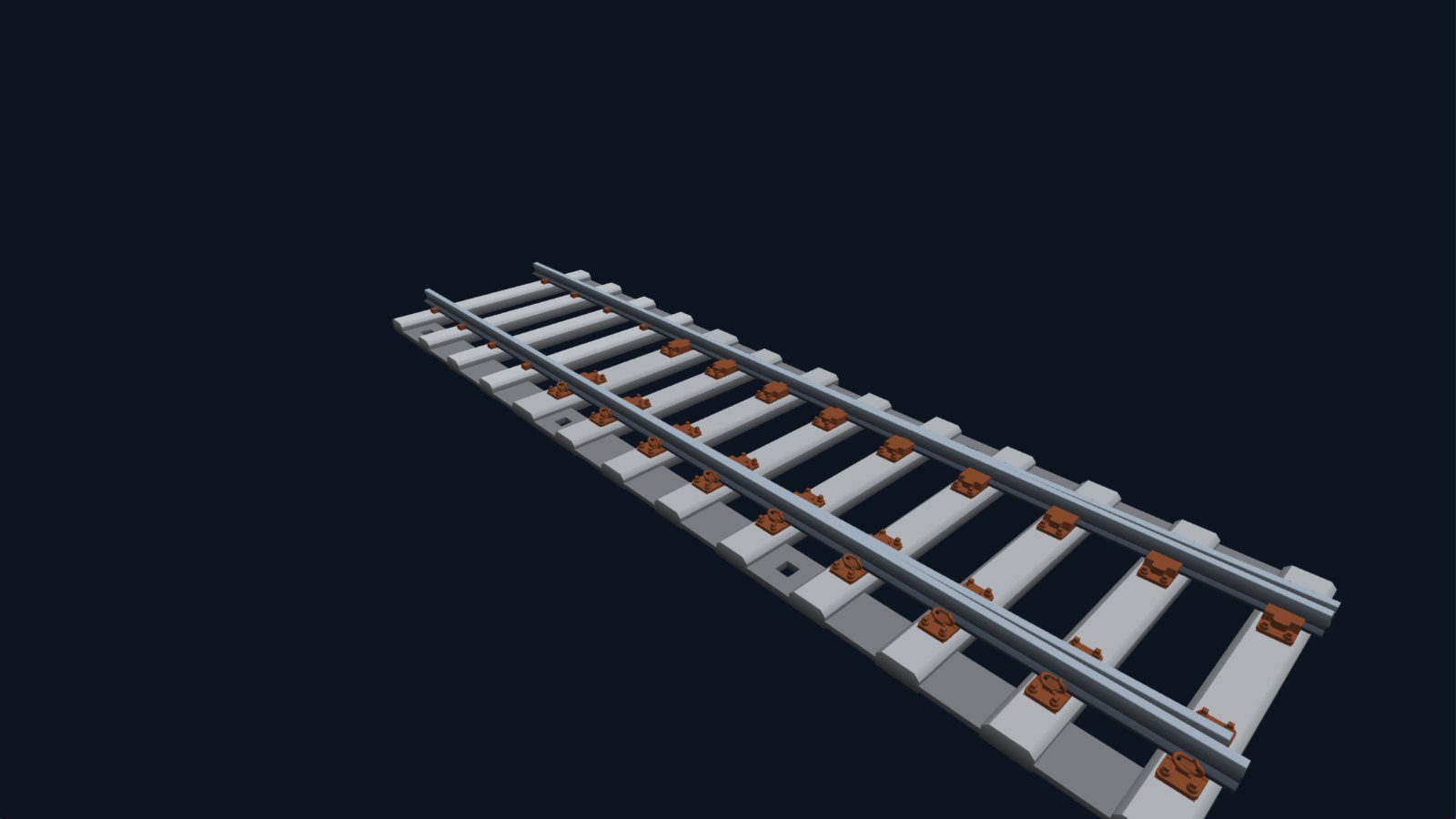
- Timber texture: wood grain is cut into the tops of the bearers for resin printing, with presets from ex-works to BR blue era, colliery siding and lifted-and-rotten, and a slider to age them.
- Concrete bearers: many turnouts can also be built on modern concrete bearers with their shoulders, following the modern NR56V practice.
From the screen to the workbench
Everything TrackIT! draws can be taken away and built:
- STL files for 3D printing, whole or split to fit your printer bed, with a 3D preview in the app.
- Laser-cutting files for bearer frets, and resin rafts of baseplates with raised identification labels.
- Filing drawings and jigs for the vee, blades, wing rails and check rails.
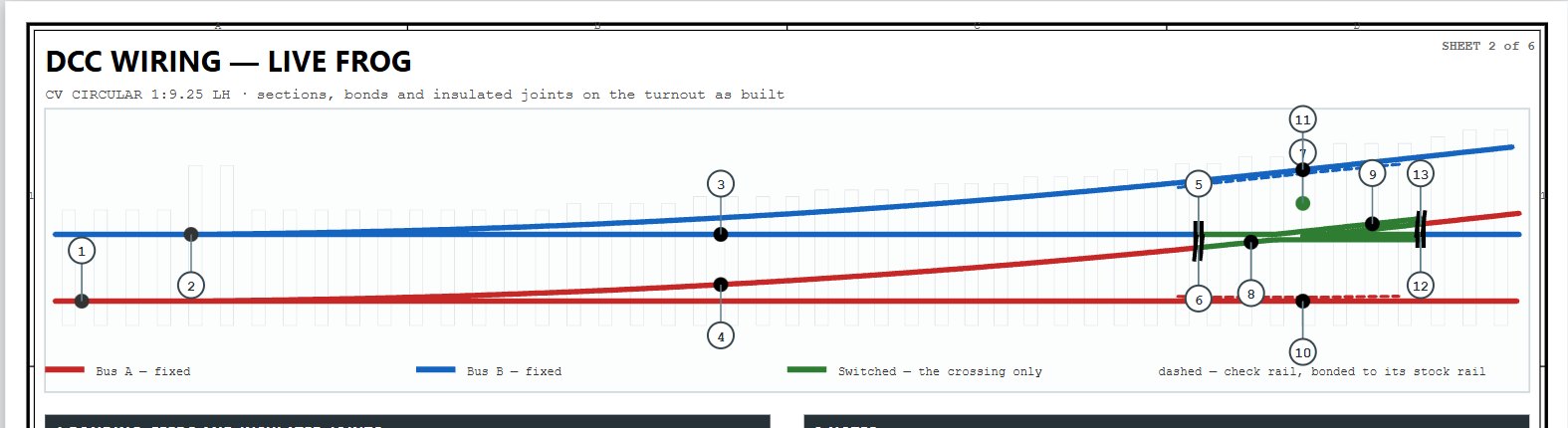
- A kit drawing set for each piece of track: a data sheet, a DCC wiring sheet showing feeds, bonds and insulated joints, a bearer and baseplate schedule, and a full-size template to build on.
TrackIT! works in all the popular British finescale and mainstream standards: P4, S4, EM, OO and OO-SF at 4 mm, N, and O Finescale, S7 and O33 at 7 mm, as well as custom scales and gauges.
Hand-fitting the timbering
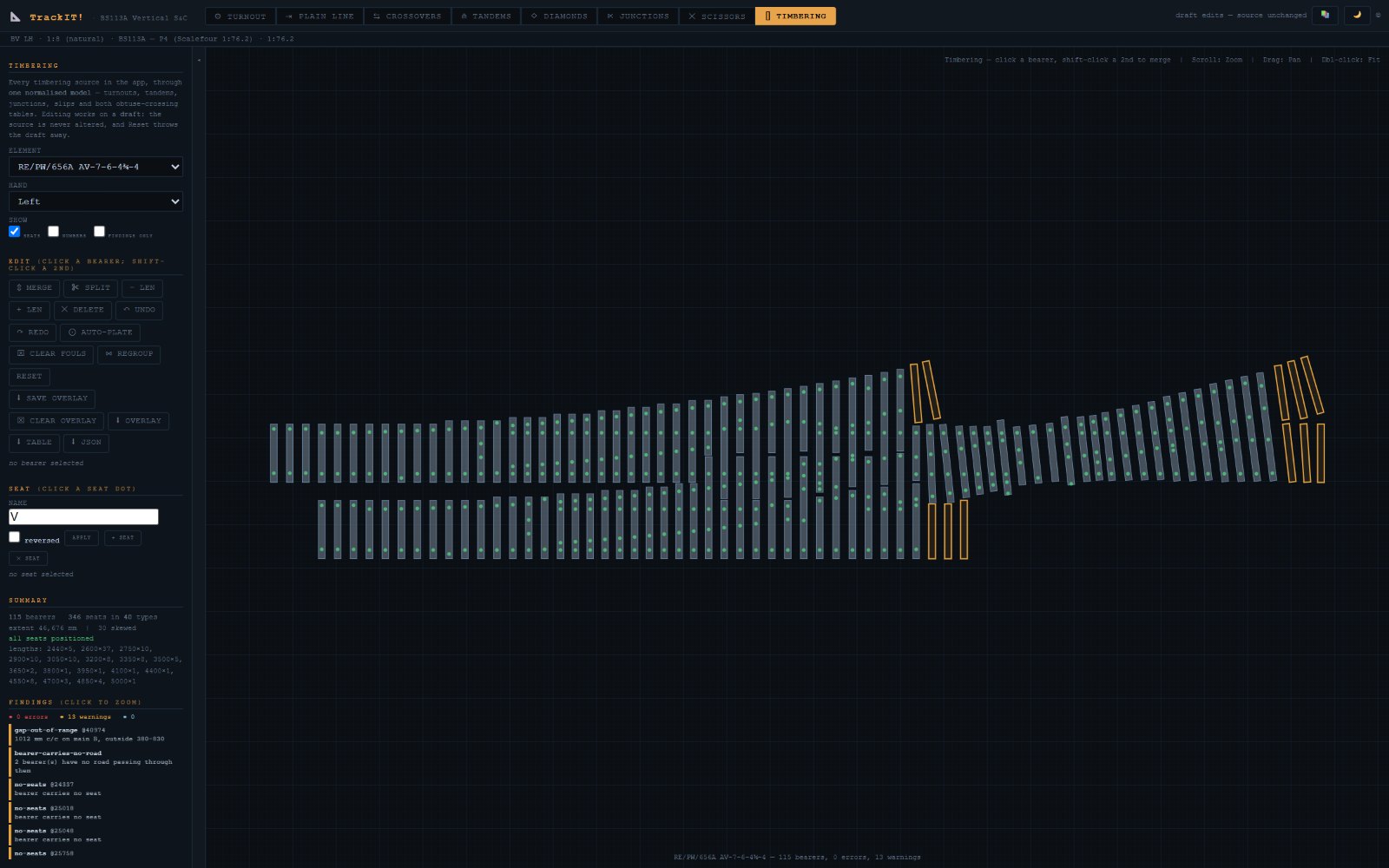
Sometimes a layout needs something the standard drawings don’t show, or you want to reproduce a particular site exactly. The Timbering editor lets you work on the bearers and baseplates by hand: merge, split, lengthen or remove bearers, re-plate them, and clear any clashes. Your edits then carry through to every drawing and file the app produces.
Part of a family
TrackIT! works alongside PlanIT!, my layout planner, which can take TrackIT! pointwork and put it into a whole track plan. The same approach, building models from the real drawings, has since grown into ElevateIT! for New York’s elevated railways and TramIT! for grooved tramway track.
New to flat-bottom S&C?
If you’re not sure what BS113A vertical switches and crossings are, or how flat-bottom track came to replace bullhead on Britain’s railways, read my guide below.
Get in touch
TrackIT! is still growing, and I’ll keep posting progress here. If you model the modern British railway, I’d like to hear which pieces of pointwork you need, which scale you work in, and whether you’d prefer files to print yourself or kits of parts. Please get in touch through my contact page.
All images on this page are screenshots of TrackIT! © Make It Miniature.