
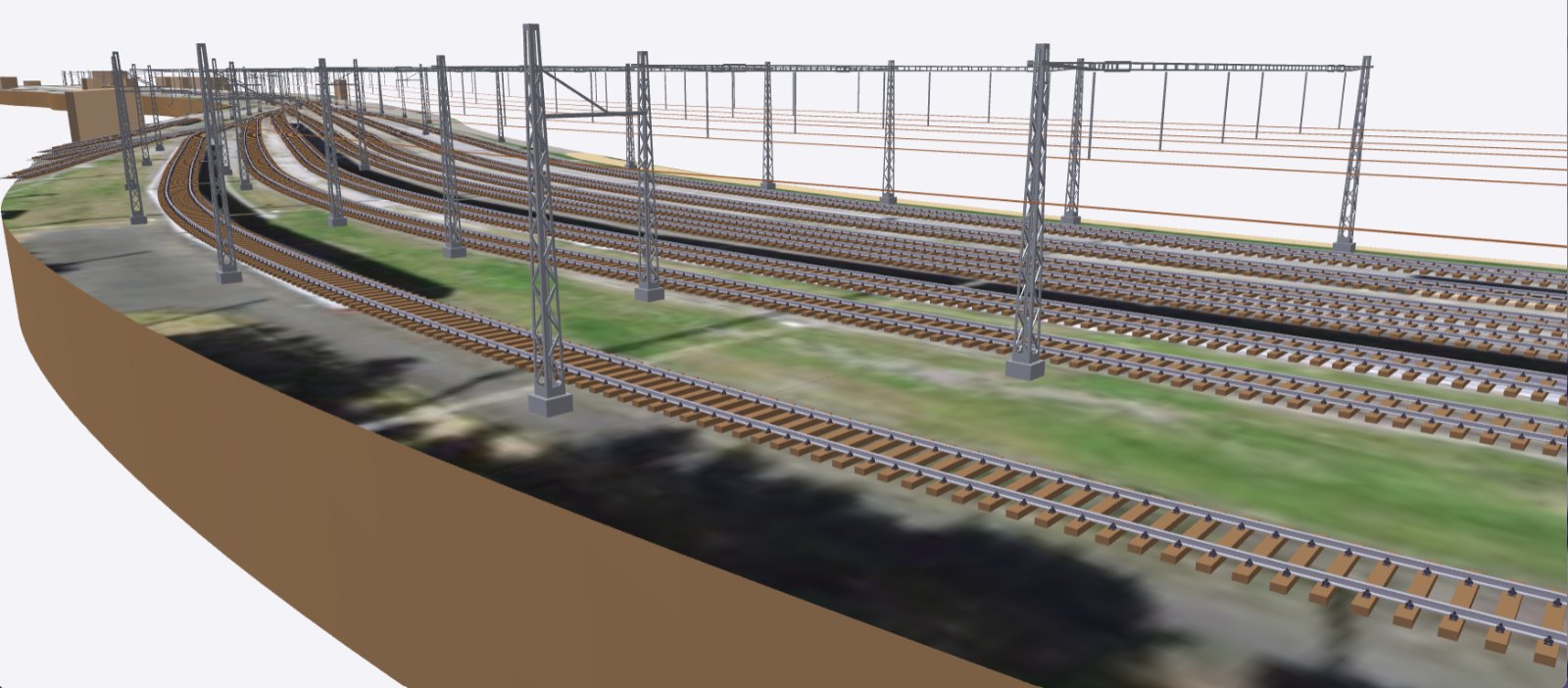
MiMrail, my track and layout planner, is now on the website for anyone to try. It knows how real railways built their pointwork, country by country, and it runs in your web browser with nothing to install.
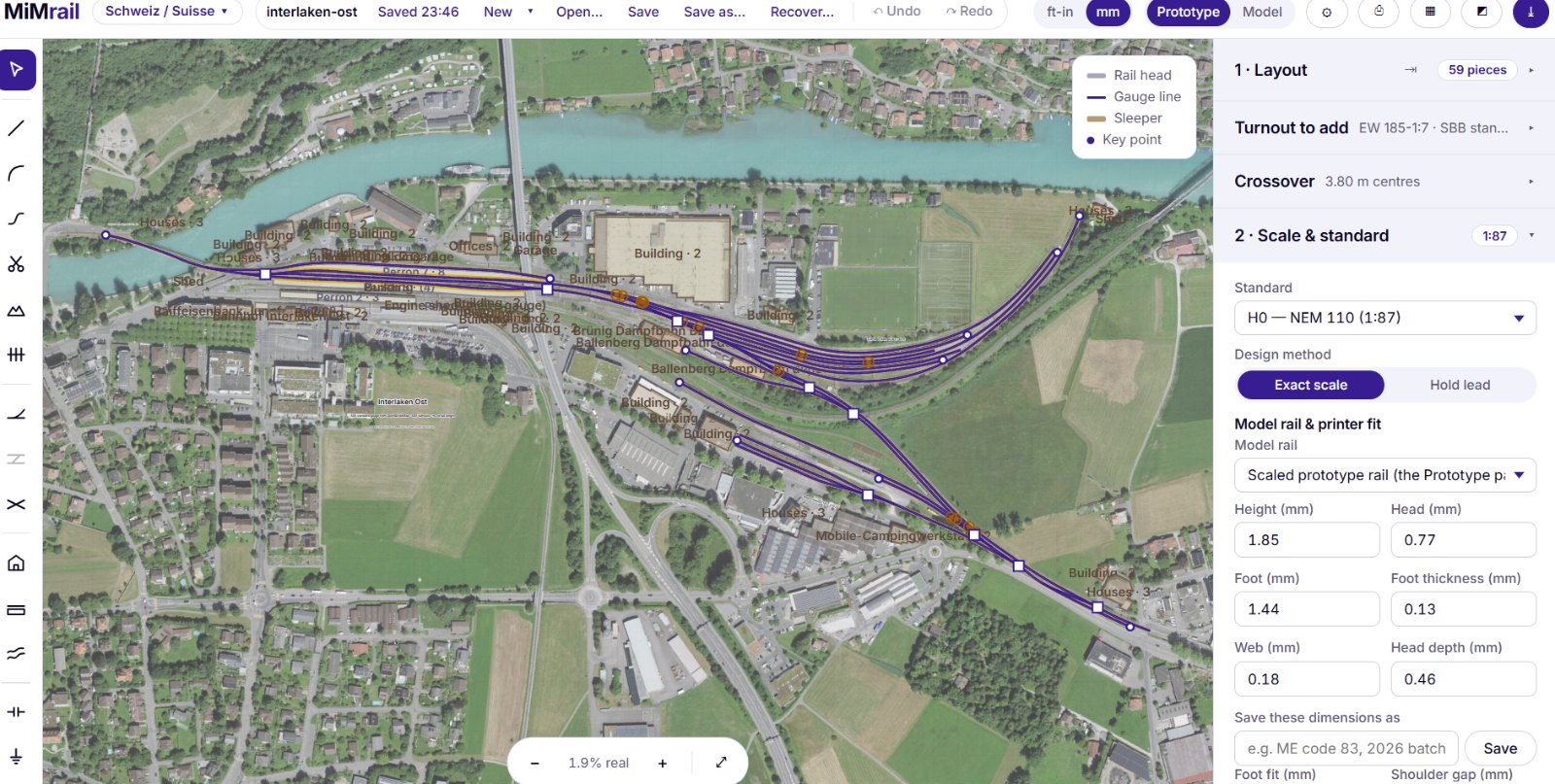
What it is
MiMrail grew out of TrackIT!. Once British flat-bottom pointwork was drawn properly, the obvious question was why stop at one railway. MiMrail brings the TrackIT! family together into one planner, with a pack for each railway.
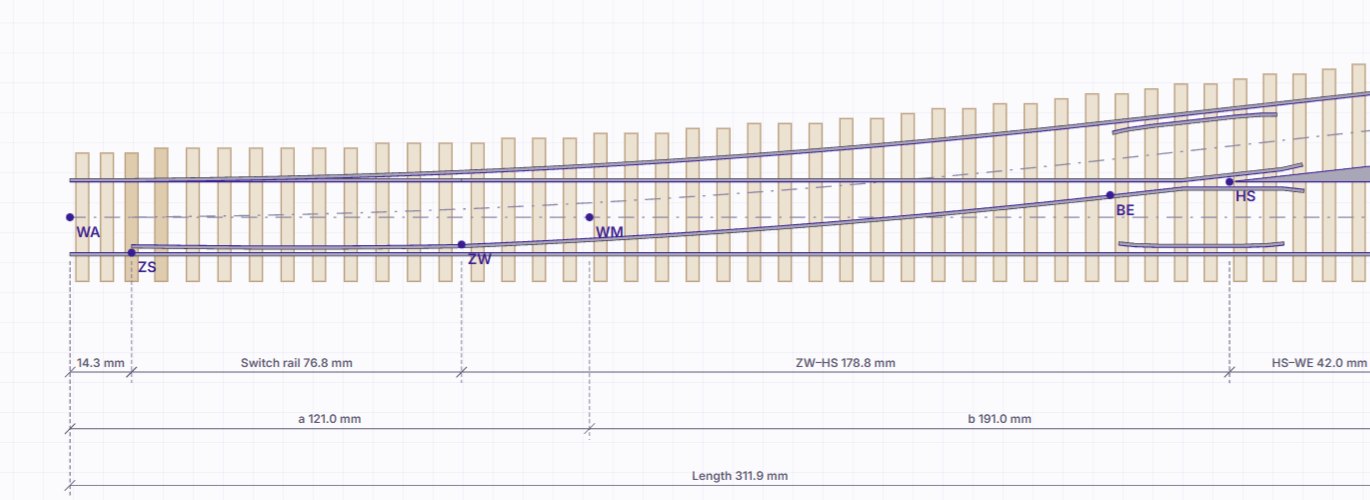
It isn’t CAD. You choose your country, pick a turnout by the railway’s own name, such as DB’s EW 190-1:9 or an AREA No. 8, and click to lay track. MiMrail builds every turnout from that railway’s rules, joins the pieces on for you, and lists anything that needs a second look: clashes, tight curves, narrow aisles and pointwork across a baseboard joint.
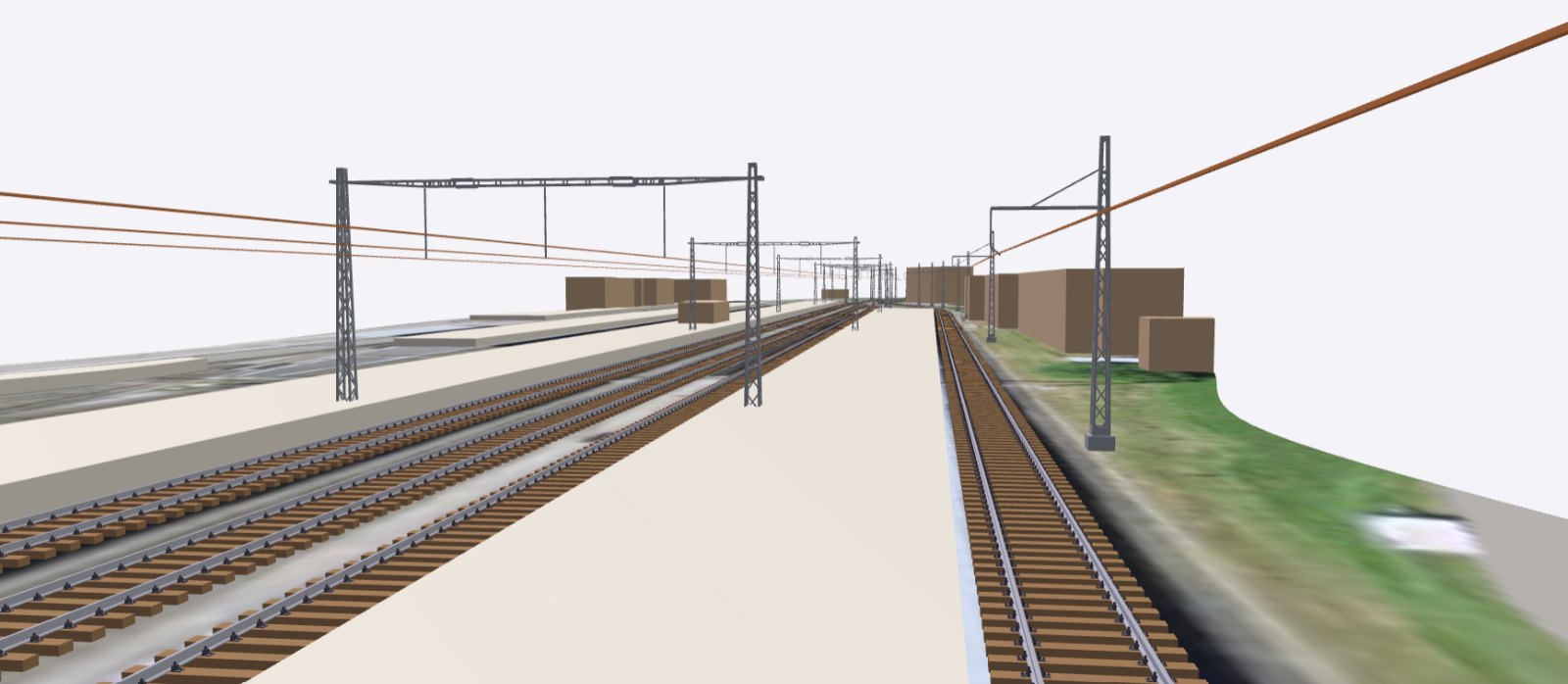
If you’re modelling somewhere real, you can put the country’s own aerial photographs and historic maps under the plan, and lay OpenStreetMap’s rail lines as track. Then walk round it in 3D.
Where it covers today
Austria is in preparation. If you’d like your country next, let me know.
This is a preview
You can plan, check and view your layout in 3D now. Printing and the file exports (printed templates, STL sleeper strips for 3D printing and SVG for laser cutting) are switched off for the moment while I tidy the loose ends. They’ll be switched on once I’m happy with them.
This is exactly the time to tell me what doesn’t work the way you’d expect. The manual walks you from choosing your country to your first layout, and covers every tool. If you have dimensioned turnout drawings, published turnout tables or careful measurements of your model rail, I’d especially like to hear from you.
Leave a Reply