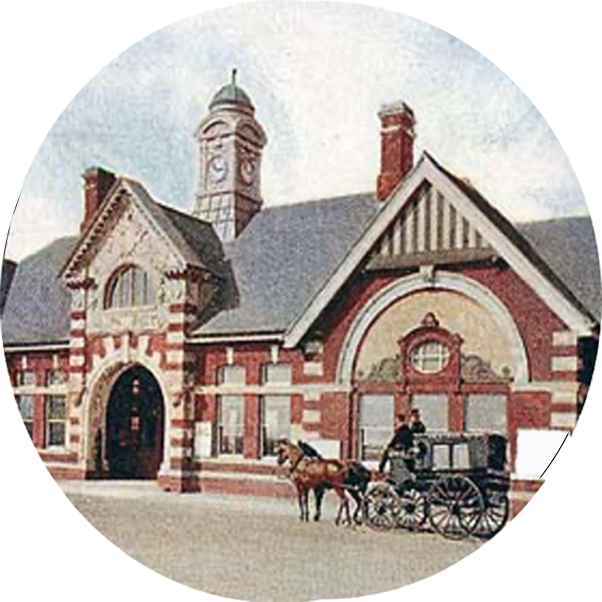
ScaleIT! turns any drawing, plan, map or photograph into a true-scale image for modelling. Load the image, show it one real measurement, choose your modelling scale, and ScaleIT! resizes it so it prints at exactly the right size. It’s free to use and runs entirely in your browser.
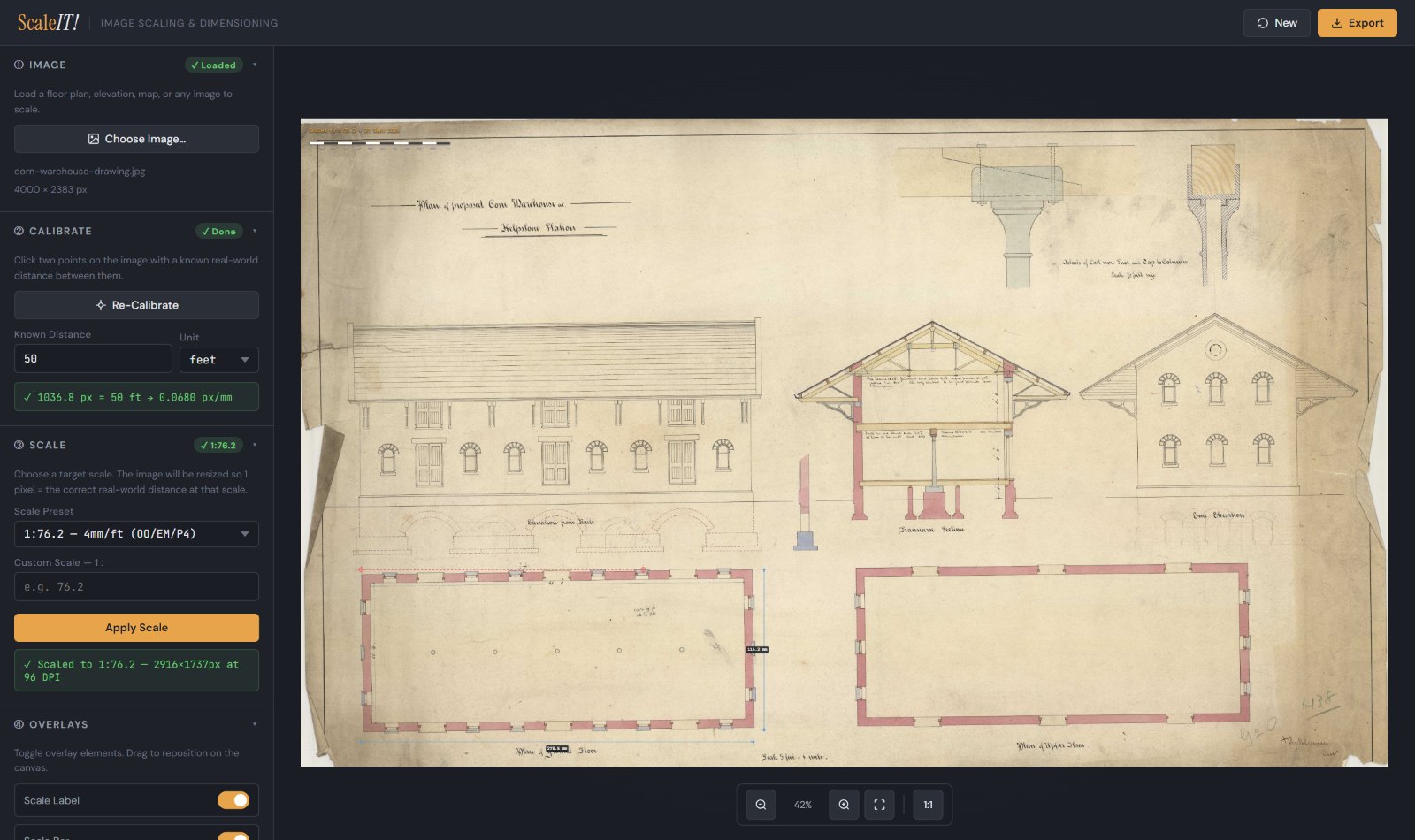
Six simple steps
- Load an image: a floor plan, an elevation, an old railway drawing, a map or a photograph.
- Calibrate it by clicking two points a known distance apart, in millimetres, feet or anything in between.
- Choose your scale: 4 mm (OO, EM and P4), 7 mm (O gauge), 3.5 mm (HO), 2 mm (N), architectural scales, OS plan scales, or any ratio you like.
- Add a scale label and scale bar, so a print can always be checked.
- Measure anything on the scaled image, at model size, in millimetres or inches.
- Print at true scale, tiled across as many sheets as it takes, or export the scaled image for your CAD or laser software.
Measure the model before you build it
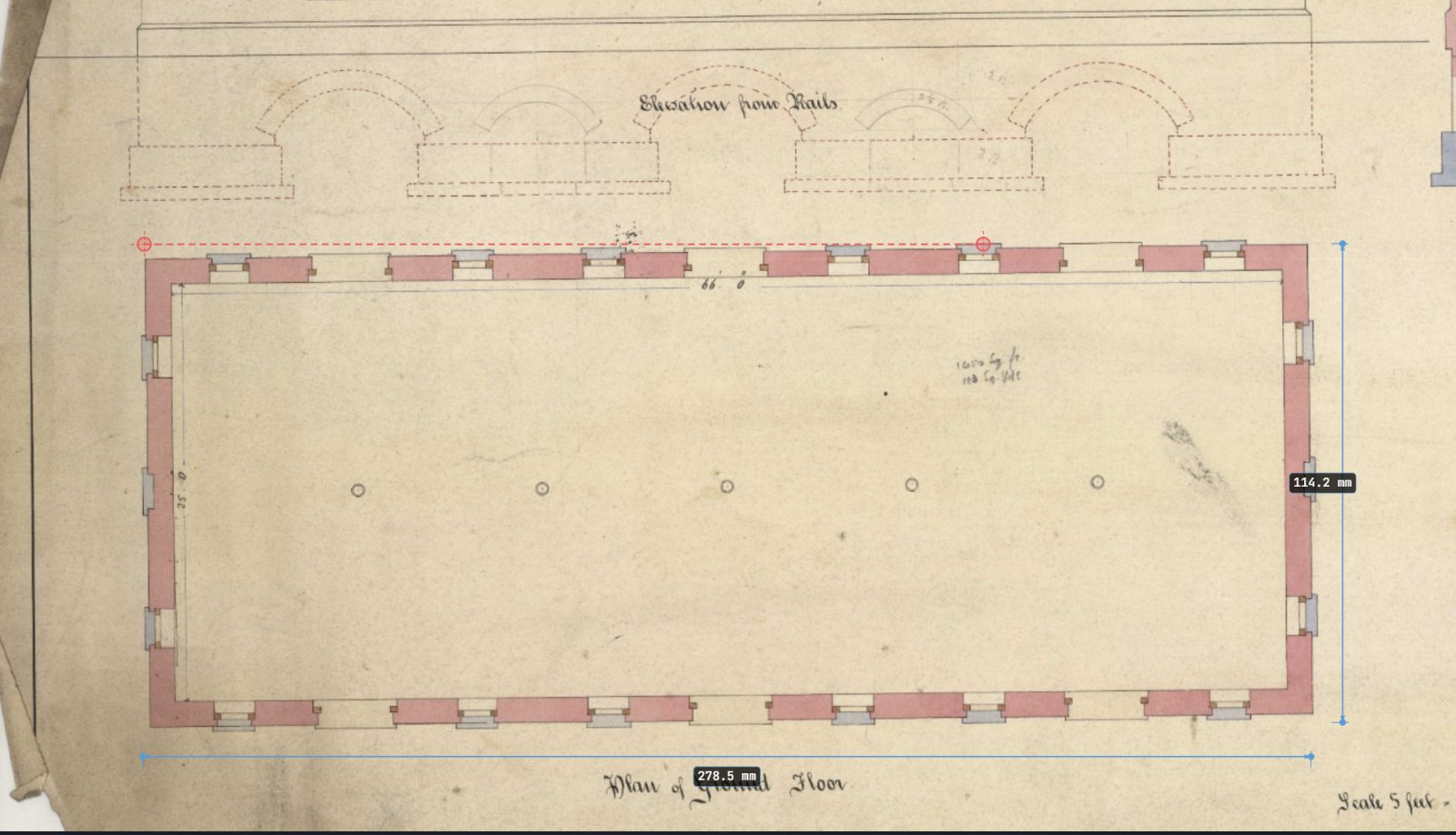
Once the drawing is scaled, every measurement is a model measurement. Here the warehouse’s ground floor comes out at 278.5 × 114.2 mm in 4 mm scale, and the draughtsman’s own figures on the plan, 66 ft by 25 ft inside the walls, confirm the calibration is right.
Print it, or take it into CAD
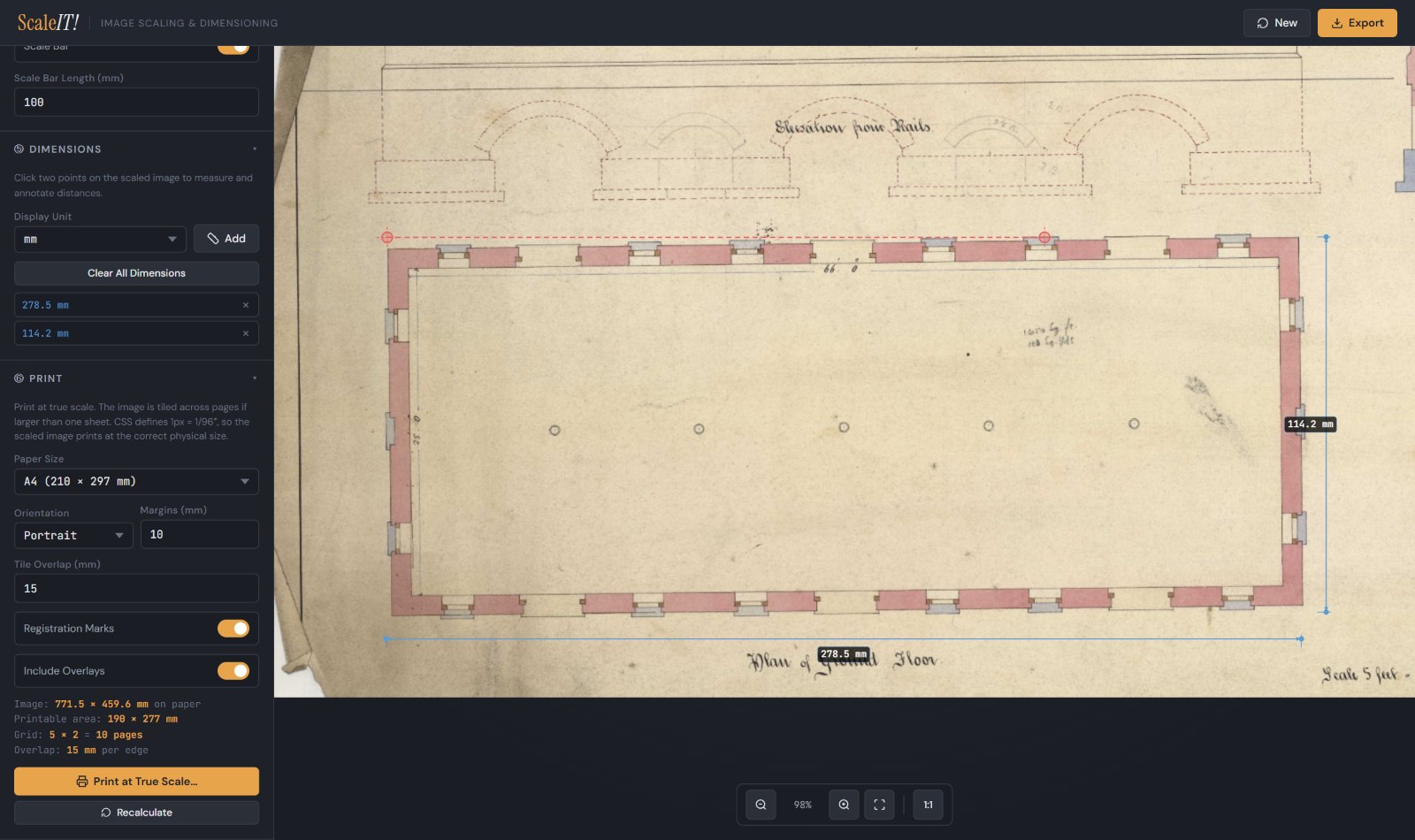
Print at true scale on A4 up to A1, US Letter, Legal or Tabloid. If the image is bigger than one sheet, ScaleIT! tiles it across several, with an overlap and registration marks so the pages line up. Or export the scaled image, with its dimensions and scale bar included, as PNG, JPG, WebP, BMP or SVG, ready to trace in your CAD or laser-cutting software.
Your image never leaves your computer: ScaleIT! does all its work in your browser. It works best on a laptop or desktop with a mouse. If you find it useful, I’d love to hear what you’ve scaled with it: get in touch.